Quick takeaways
- A customer portal should show membership state without exposing API keys or reusable private links.
- Plan, renewal date, expiry, and Telegram identity should be understandable to the member and support.
- Cancellation and failed-payment paths need clear access outcomes.
- Recovery should use controlled codes or support review, not static invite links.
Plan a Telegram subscription customer portal around plan visibility, renewal dates, cancellation paths, access-code recovery, Telegram identity, support lookup, and expiry behavior.
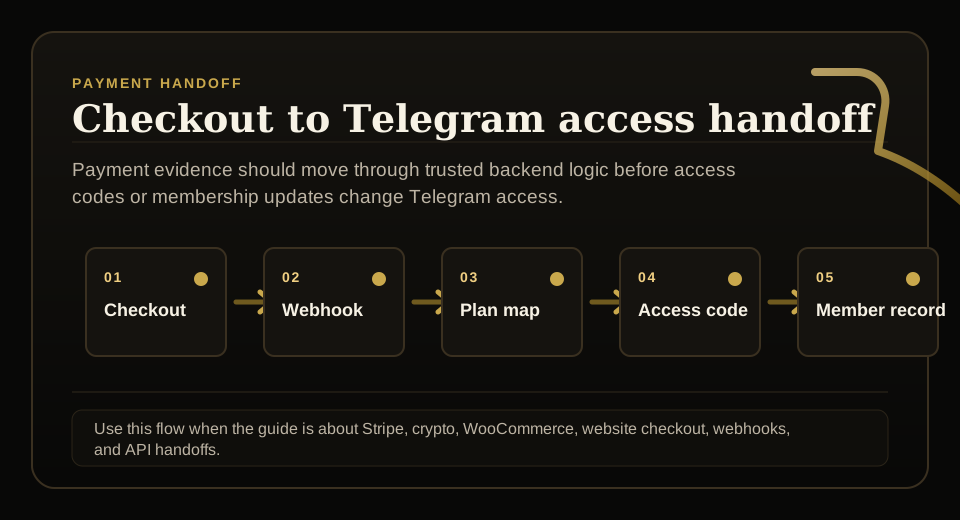
Use this guide when checkout, webhooks, renewals, invoices, or external payment evidence must become a reliable Telegram access event.
Next read: Telegram Subscription Billing Software.
How this guide was produced
Every guide is written for the same paid-access workflow: payment evidence, Telegram identity, plan status, support lookup, and expiry enforcement.
Published by KickThemBot from product documentation, launch runbooks, integration tests, and paid-access operating procedures.
Payment-handoff planning: Stripe, crypto, website checkout, server-side events, access-code redemption, renewals, and support evidence. Automation may assist drafting and page generation; indexed guides are selected for a distinct user job and reviewed against the documented workflow. Claims avoid fake rankings and hidden guarantees.
To help admins make a safer access decision before moving members, payments, invite paths, or expiry rules.
Implementation steps
- Decide which customer portal fields are safe to show: plan, status, renewal date, expiry, Telegram identity, and support route.
- Keep API keys and membership updates in trusted backend logic, not public portal scripts.
- Map cancellation, failed payment, renewal, refund, upgrade, downgrade, and reactivation states to access behavior.
- Test access-code resend, wrong-account recovery, expired access, and support escalation before launch.
Show useful status, not secrets
A portal can show plan, status, renewal date, expiry, support route, and whether Telegram identity is connected.
It should not expose project API keys, raw backend responses, or reusable private invite links.
Map subscription states
Subscription portals need predictable behavior for active, past due, cancelled, refunded, upgraded, downgraded, expired, and reactivated members.
Each state should map to a Telegram access outcome.
Make recovery controlled
Members will lose codes, use the wrong Telegram account, or ask for a fresh access path.
Recovery should verify entitlement before issuing a new code or restoring access.
Keep support aligned
Support should see the same plan, status, expiry, and Telegram identity context the customer portal explains.
That alignment reduces disputes and wrong-account recovery.
FAQ
What should a Telegram subscription customer portal show?
It should show safe membership status such as plan, renewal or expiry date, connected Telegram identity, support path, and recovery options without exposing API keys or reusable invite links.
Should members manage Telegram access directly from a portal?
Only through controlled backend flows. Access-code resend, membership updates, and recovery should verify entitlement before changing private Telegram access.